

Ever felt the icy glare of a store employee while you fumbled your way through the self-checkout lane? It happens to many. What was designed to make shopping faster and more convenient often turns into a chaotic blend of barcode beeping, error messages, and frustration for both customers and employees. As shoppers grow more reliant on self-checkout, the mistakes they make become more frequent and more frustrating for the workers tasked with monitoring these stations.
From accidental theft to unnecessary delays, there are a handful of habits that drive employees up the wall. Here are 10 common self-checkout mistakes that might seem minor to you but can be a major headache for staff.
Skipping the “Start” Button
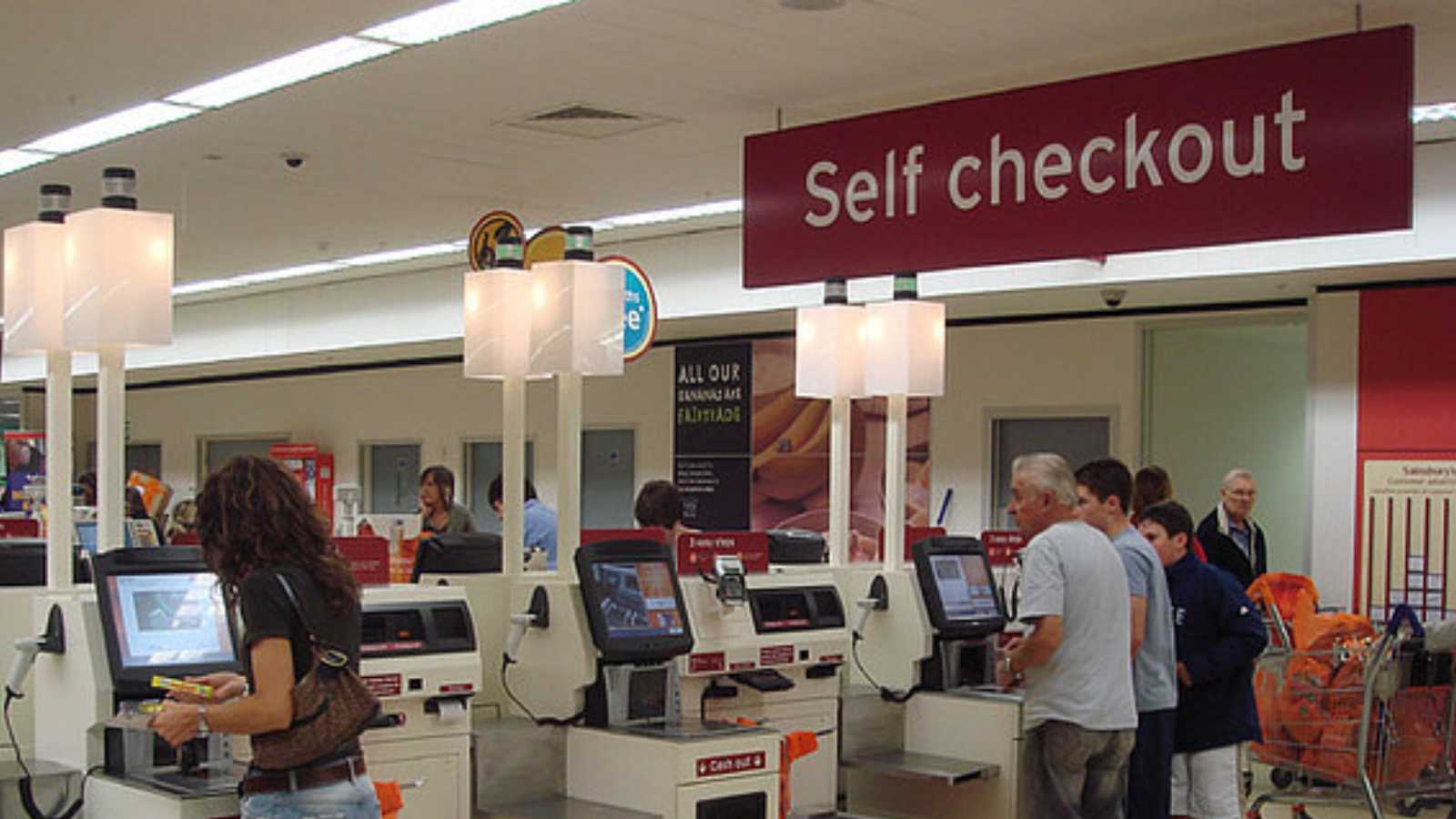
One of the most basic missteps happens right at the beginning. Many customers forget to hit the “Start” button on the screen before scanning their items. This confuses the system, leading to multiple scans not registering properly. What follows is a series of beeps, confusion, and eventually, a call for help.
Employees then have to reset the station, interrupting their workflow and often needing a manager’s override. It’s a small step, but missing it means more work for staff and longer waits for other customers.
Scanning Too Fast or Too Slow

Self-checkout machines are calibrated for a certain rhythm. Scanning items too quickly or hesitating too long between scans can cause the system to misread barcodes or assume an item wasn’t placed in the bagging area. This results in those dreaded alerts that summon an employee for assistance.
Self-checkout is supposed to streamline the shopping experience, but poor scanning habits turn it into a hassle for everyone involved.
Ignoring the Bagging Area Rules

The bagging area is not just a place to stack groceries; it’s equipped with sensors to detect weight changes after each scan. If you remove an item prematurely or stack items incorrectly, the machine flags it as a possible theft attempt. This triggers an alert, resulting in yet another employee interruption.
These false alarms are one of the biggest frustrations for workers. It’s a simple fix: follow the prompts and don’t rush the bagging step.
Trying to Scan Unscannable Items

Fresh produce, bakery goods, and some bulk items don’t have barcodes and require a lookup through the touchscreen interface. Still, many customers waste time trying to scan these items repeatedly or scanning the wrong part of the packaging. Eventually, they give up and flag down a worker.
Not only does this slow down the line, but it also shows a lack of preparation. Employees get frustrated because these are avoidable issues. Taking a second to find the item in the system saves time and hassle for everyone.
Overusing the “Help” Button
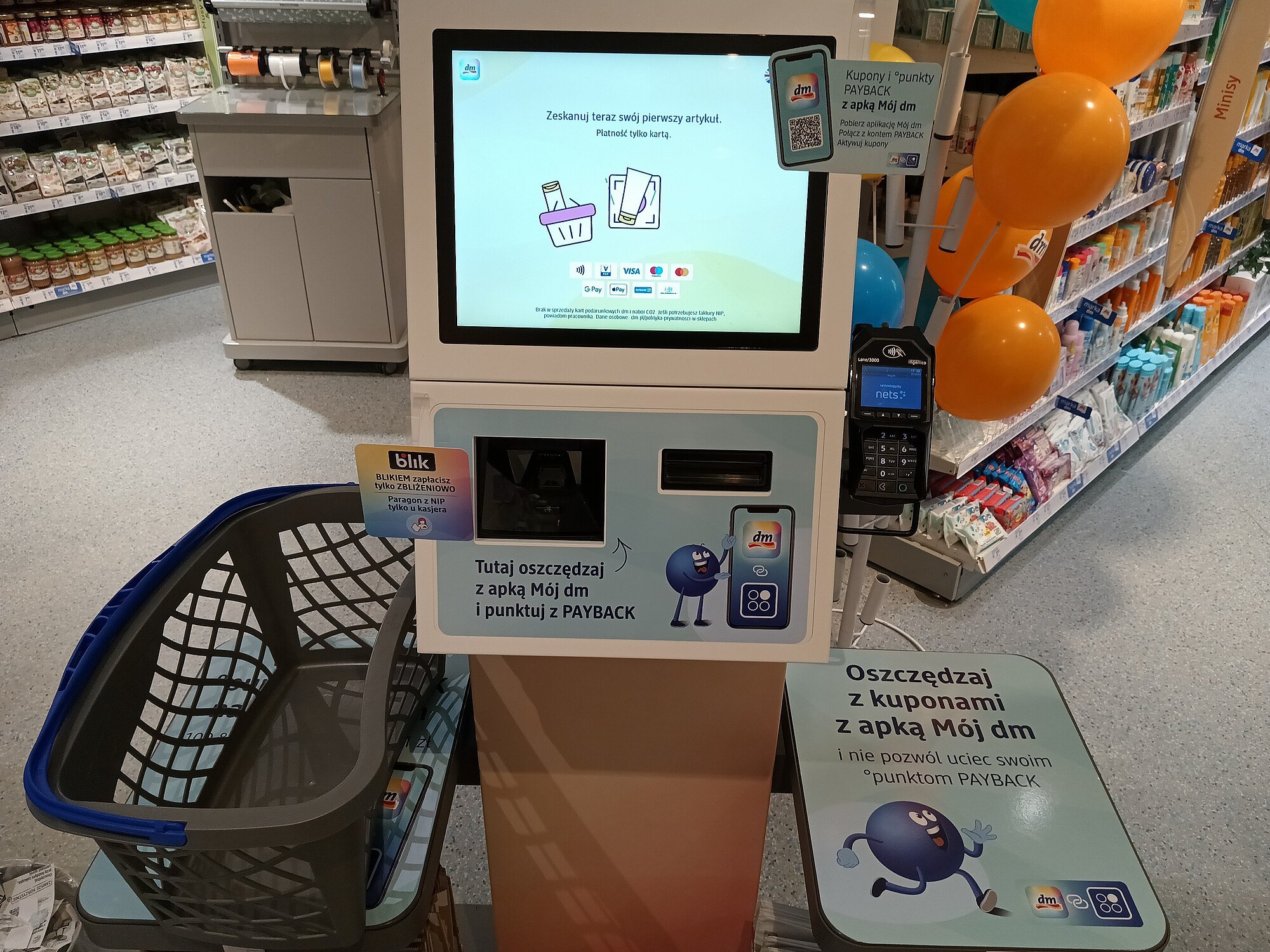
While the “Help” button exists for a reason, some shoppers use it for every minor issue, even those they could easily resolve with a bit of patience. Employees want to be helpful, but they also expect a basic level of self-reliance from users.
Misusing the help button means less time spent solving actual technical problems and more time playing customer service for issues that don’t require intervention.
Ignoring Quantity Limits and Restrictions
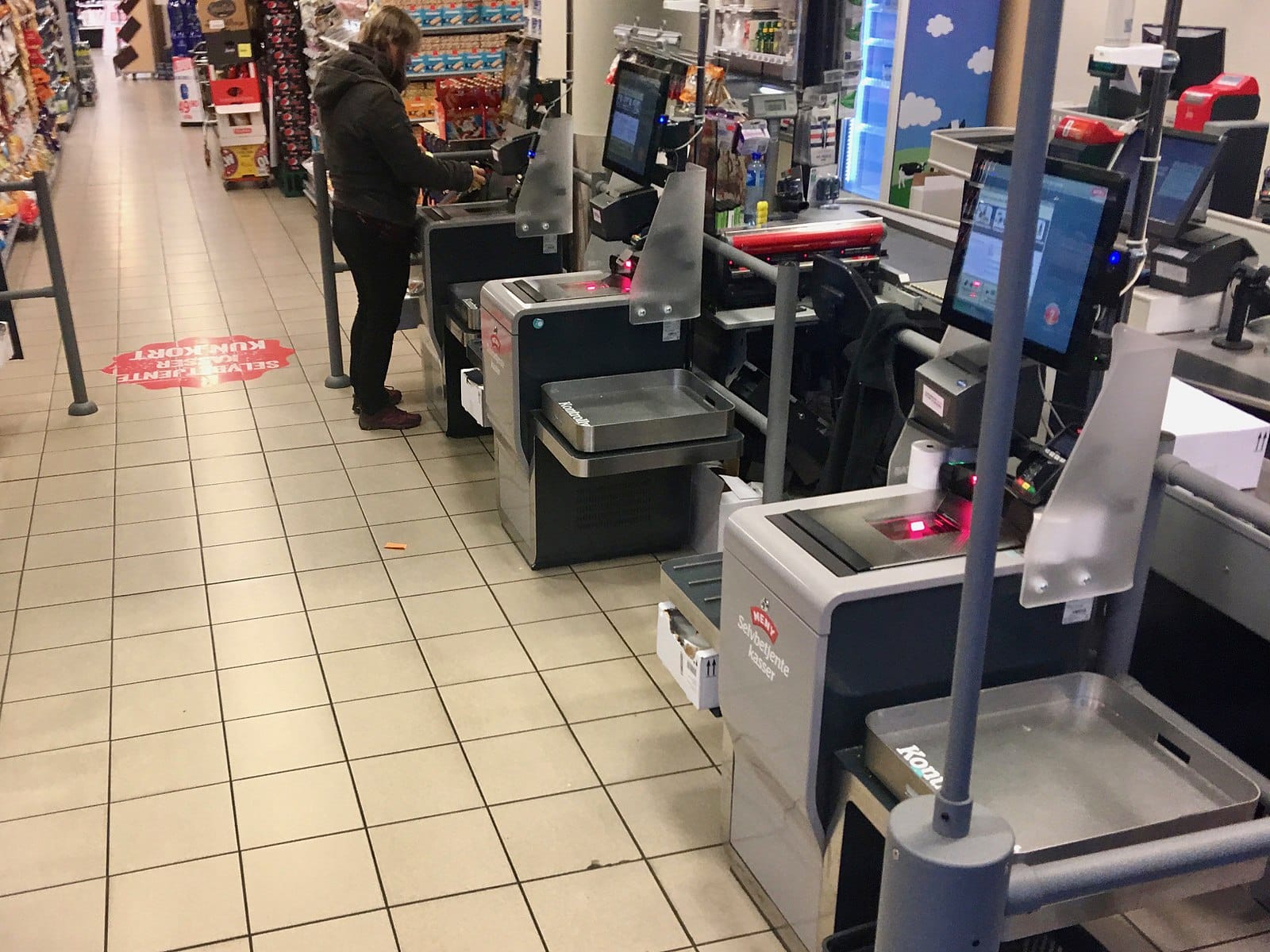
Self-checkout lanes often have posted limits on the number of items or exclude certain purchases, such as alcohol or gift cards. Shoppers either miss or ignore these rules, resulting in transactions that the system can’t legally or logistically process. When that happens, employees are forced to check IDs or override system restrictions manually.
This not only creates delays but also defeats the purpose of self-checkout. Employees end up spending more time on one customer than they would at a staffed register, which slows down the entire operation.
Save this article
Failing to Scan All Items
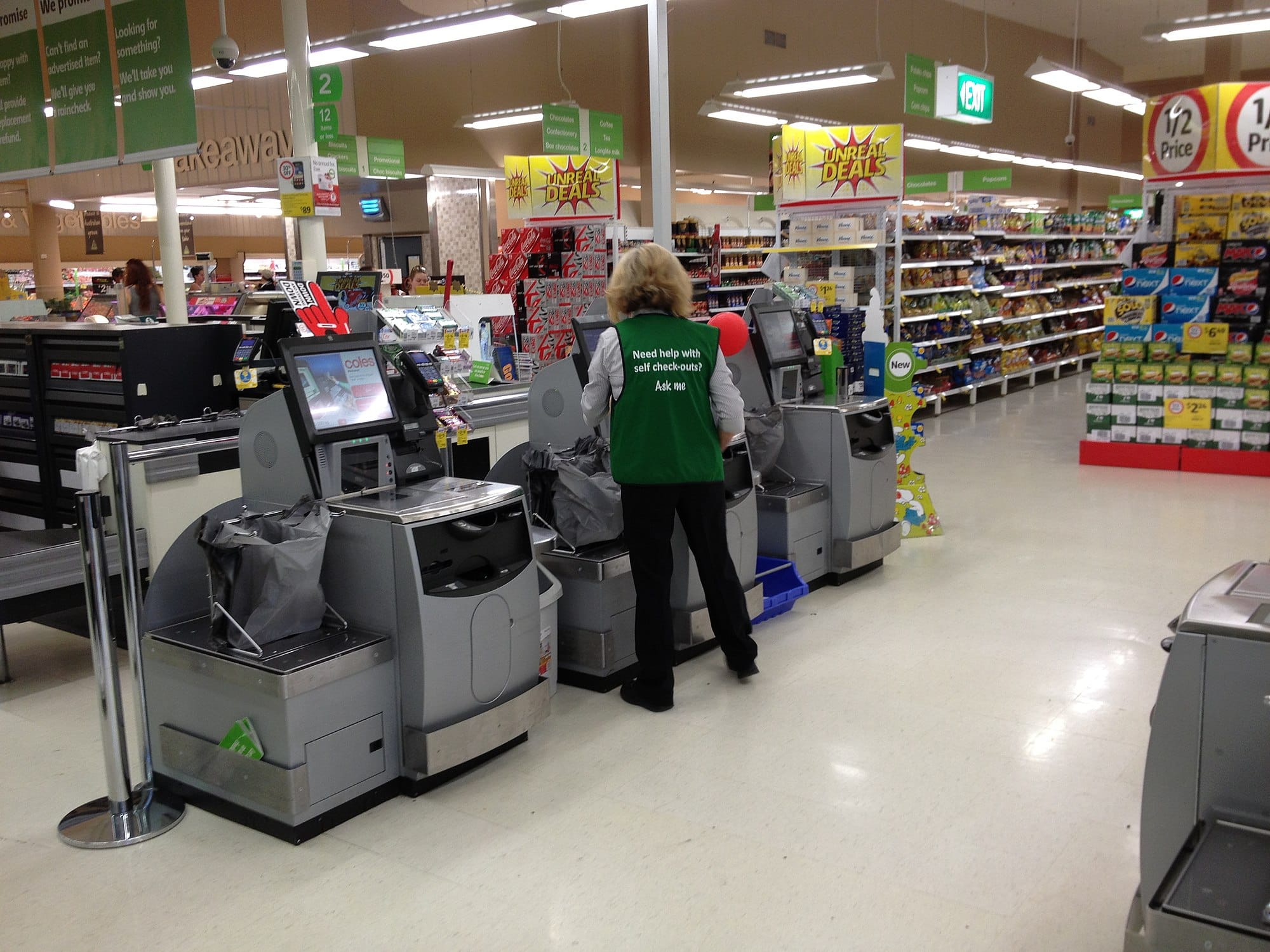
Some customers, knowingly or not, place items in bags without scanning them. Whether it’s a bottle of soda at the bottom of a cart or a forgotten candy bar, skipping items, intentional or not, gets flagged by the system or observed by employees.
Even when unintentional, these mistakes put staff in a difficult position. They must approach customers and potentially accuse them of theft. It’s uncomfortable for everyone and entirely avoidable with a little more attention during the scanning process.
Covering Barcodes or Scanning Damaged Packages
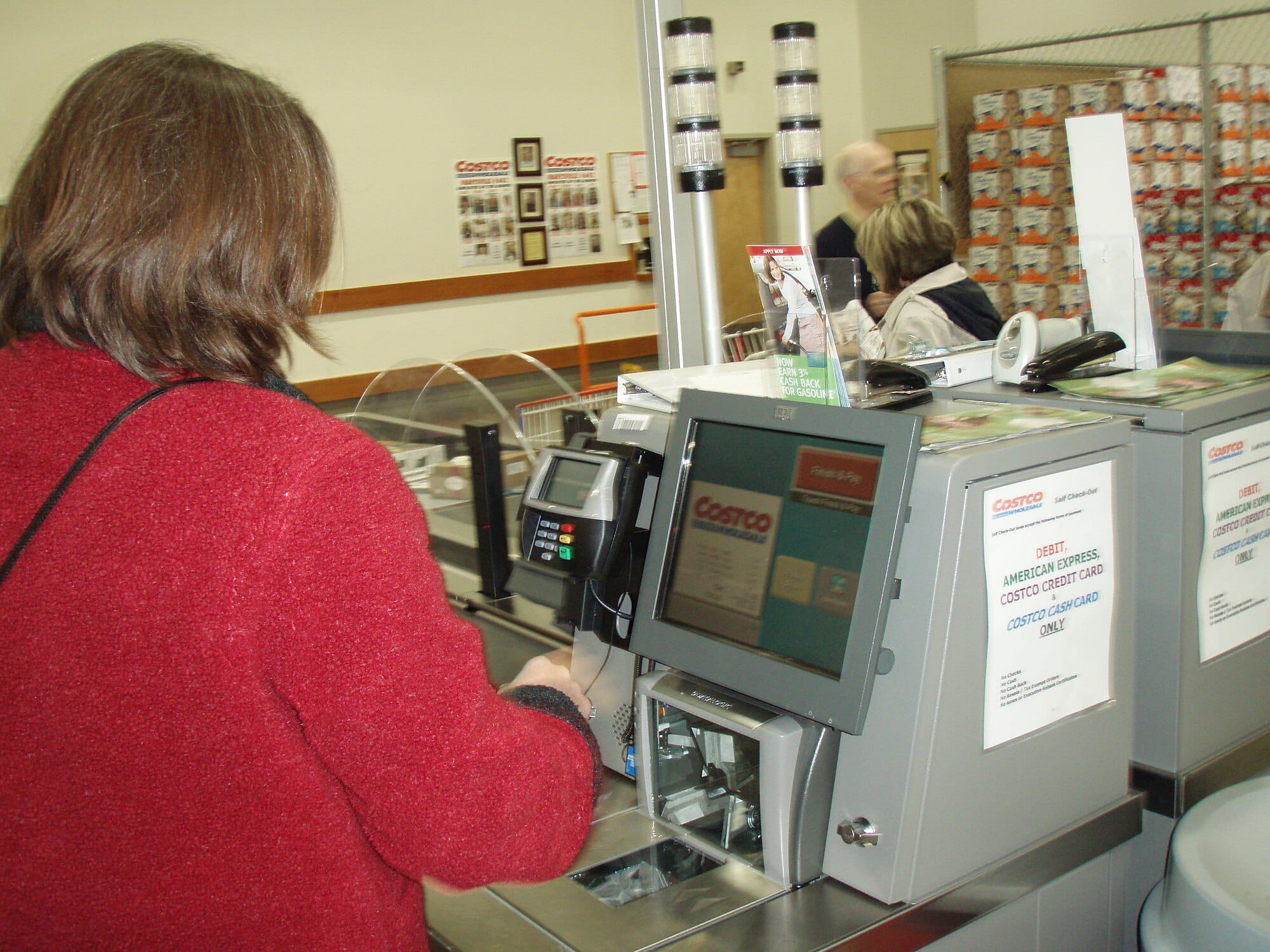
When items are bent, crumpled, or have stickers covering the barcode, they won’t scan properly. Many customers continue to scan repeatedly, jamming the system with incorrect reads and multiple beeps. Often, the employee has to step in to enter the code or replace the item manually.
Shoppers can help by checking that barcodes are visible and packaging is intact before heading to checkout. A few seconds of prep saves minutes of delays.
Bringing Reusable Bags Too Late

Reusable bags are a great choice, but bringing them out only after you’ve scanned all your items can confuse the weight sensors in the bagging area. The machine can interpret this as a theft attempt or an error, triggering alerts that need to be cleared by staff.
Instead, placing your reusable bags in the designated area before starting avoids these false alerts. Employees have to reset fewer systems, and shoppers move through the process more smoothly.
Walking Away Without Paying

It might seem unbelievable, but one of the most common errors is shoppers walking off without completing the payment. Whether they get distracted or assume the machine has processed everything automatically, it leaves behind uncompleted transactions that staff must manually void or complete.
This not only complicates the payment tracking process but also raises security concerns. Employees then must keep an eye out for repeat offenders and may need to review security footage. A quick double-check before walking away can save everyone a lot of trouble.
Disclaimer – This list is solely the author’s opinion based on research and publicly available information. It is not intended to be professional advice.
How Total Beginners Are Building Wealth Fast in 2025—No Experience Needed

How Total Beginners Are Building Wealth Fast in 2025
I used to think investing was something you did after you were already rich. Like, you needed $10,000 in a suit pocket and a guy named Chad at some fancy firm who knew how to “diversify your portfolio.” Meanwhile, I was just trying to figure out how to stretch $43 to payday.
But a lot has changed. And fast. In 2025, building wealth doesn’t require a finance degree—or even a lot of money. The tools are simpler. The entry points are lower. And believe it or not, total beginners are stacking wins just by starting small and staying consistent.
Click here and let’s break down how.
5 Easy Steps to Change Any Habit

5 Easy Steps to Change Any Habit
We all click on them with the hope that just THIS time the secret to changing a bad habit or adopting a healthy one will be revealed and we’ll finally be able to stick to that diet, stop that one or ten things that might in the moment make us feel temporarily good but really just make us fat, unhealthy, sad, mad or just frustrated with ourselves.